Rain around 15:00. The umbrella exists for this.Clear skies. The moon has the stage.Clear night. Stars are doing their thing.Clouds are hanging out. So can you!
Weather, told in panels.
Comic Weather is a weather app for iPhone that turns your forecast into a comic book page. Ink, halftone, speech bubbles. Notified only when it matters — rain at 3, sun tomorrow — with the next hour of rain counted down to the minute. In 26 languages. No accounts, no tracking.
Pay once. Every press included. No ads, no subscriptions, no in-app purchases. For iPhone on iOS 18 or later.
192 painted scenes
12 kinds of weather
4 times of day
4 comic skins
3 narrator voices
10 day forecast
26 languages
1 purchase, no subscription
See the app
Play · 0:46The app in 46 seconds: the skins, the narrators, the rain countdown and the widgets. No sound. It plays from YouTube.
Inside this issue
Three voices. Same forecast.
Windy. Hold onto your hat. And your hair.
Notifications
Weather that talks back
Comic Weather · nowRain hits around 15:00 — grab the umbrella.
Comic Weather · 20:00Tomorrow's sunny. Make a plan.
Comic Weather · alertSevere alerts, named by the issuing agency, the moment they're new.
You only hear from Comic Weather when the forecast actually changes your day.
KRA-KOOM!
Thunder. The sky is clearing its throat.
Storms get their own scene
Widgets
On your home screen
24°
24°
Lock Screen and Home Screen widgets bring the panel with you — small, medium, large and Lock Screen sizes, refreshed through the day, and printed right on tinted and clear Home Screens too. No app needed to check if you need a jacket.
Snow party! Boots, mittens, go!Snow descends in silence. Witness it.Snow! Everything looks like a postcard.Big snow day! Sleds are cleared for takeoff.
Rain, sun, fog, snow — a scene for each
Hot off the press
Rain, on the clock
Rain starts in 12 min
Now15304560 min
Lock Screen
Rain in 11:58Buenos Aires · 19°
Where Apple Weather has minute-by-minute data, a panel under the painting charts the next hour: when the rain starts, when it stops, how hard it falls. Tap Follow on Lock Screen and the countdown rides along on your Lock Screen and in the Dynamic Island. Wind, humidity, UV, pressure, visibility and the sun get their own cards further down the page.
Ask around
Siri, Shortcuts, Control Center
“Will it rain, Comic Weather?”
Ask Siri, build a Shortcut, or put Weather Now in Control Center. Share today's panel as an image, and pick your units down to knots and Beaufort.
Private by design
Comic Weather asks for your approximate location only to draw the right sky, and everything it remembers stays on your device. Read the privacy policy
No account
No ads
No tracking
No analytics
Four presses. One price.
Four-Color
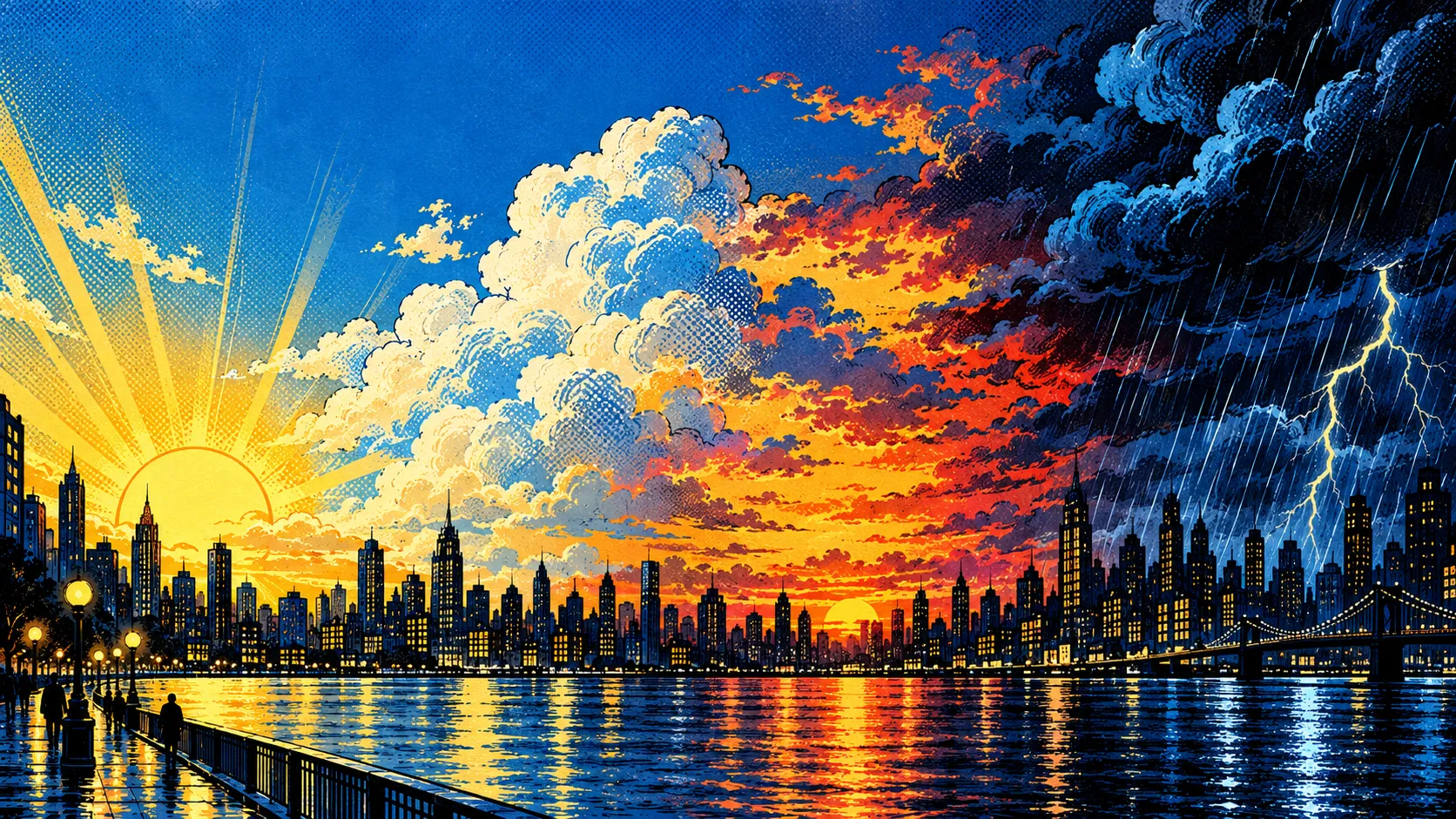
The newsstand press, running hot. Coarse Ben-Day dots, saturated process primaries over heavy black ink, sound effects lettered into the sky. Loud on purpose. The default press.
Bubblegum Bloom
New in 3.1. Pastel pop: bubblegum pink, mint and lilac in soft violet ink, dot screens, cherry blossoms and sparkles on blush grid paper. Rounded lettering, its own pastel weather icons and its own app icon.
Megacity Manga
Dense manga ink and dot screens over a towering city, lamplit streets and wild skies, and focus lines ruled in from the edge of the page.
Midnight City
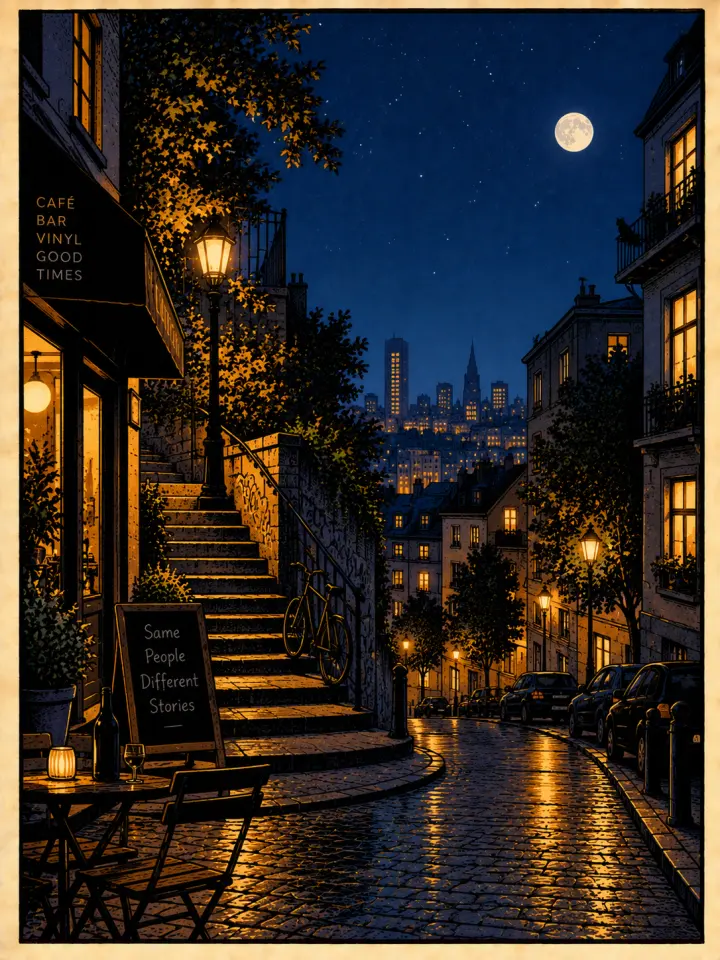
Gothic noir. Near-black stock, amber lamplight on wet stone and spires in the rain. Clipped-corner panels, dashed gutter rules, a condensed masthead.
Each press reprints the whole app — panel, masthead, hourly cards, the ten-day page, Settings, the weather icons, every widget and the app icon on your Home Screen. All four are in the box.
Questions, answered
Is there a subscription?
No. Comic Weather is a one-time purchase on the App Store: US$2.99 in the United States, and the local equivalent elsewhere. All four skins, every widget and every notification are included. No ads, no in-app purchases.
Where does the forecast come from?
From Apple Weather, with MET Norway (the Norwegian Meteorological Institute) as a fallback. You get current conditions, next-hour rain where Apple Weather has minute-by-minute data, the next 24 hours, 10 days ahead and official severe weather alerts.
Does Comic Weather have a radar map?
No. For rain it has a next-hour panel that charts when rain starts, when it stops and how hard it falls, minute by minute where Apple Weather has the data, and a rain countdown on the Lock Screen and in the Dynamic Island.
Can I use it without sharing my location?
Yes. Search for cities by name instead. If you do share it, Comic Weather uses an approximate location, rounded to about 100 meters, and sends it only to the weather service.
Which widgets are there?
Comic Panel (small), Comic Strip (medium), Comic Page (large) and a Lock Screen widget. They print in the skin you pick and look right on tinted and clear Home Screens.
Does it collect data or show ads?
No account, no ads, no tracking and no analytics in the app. SimpleProducts runs no server for it: your iPhone asks the weather service directly, and everything else stays on your iPhone.
Which languages does it speak?
26: English, Español, Français, Deutsch, Italiano, Português (Brasil), Nederlands, Polski, Русский, Українська, Türkçe, العربية, اردو, हिन्दी, मराठी, বাংলা, தமிழ், తెలుగు, ไทย, Tiếng Việt, Bahasa Indonesia, Bahasa Melayu, 日本語, 한국어, 简体中文 and 繁體中文.
Which iPhones does it run on?
Any iPhone with iOS 18 or later. Comic Weather is made for iPhone.
More in Support. Writing about Comic Weather? See the press kit.





 Comic Weather · nowRain hits around 15:00 — grab the umbrella.


